How to Build a Form-Driven System That Generates Locked Compliance Reports in Airtable
You are producing environmental survey reports.
Your team conducts site assessments, soil testing, habitat surveys, and contamination checks. This is the kind of work where accuracy matters and regulatory compliance is not optional.
You have been using Word documents for everything. That worked when the team was smaller. But now you have eight people in the field, all collecting data that eventually needs to be consolidated into formatted reports.
The problems started small. Someone accidentally deleted a formula. Another person pasted data and broke the table formatting. Hours were wasted fixing damaged documents before reports could be sent to clients.
Then it escalated. Multiple team members needed to enter their findings into the same report. Too much time was spent managing documents instead of doing actual survey work.
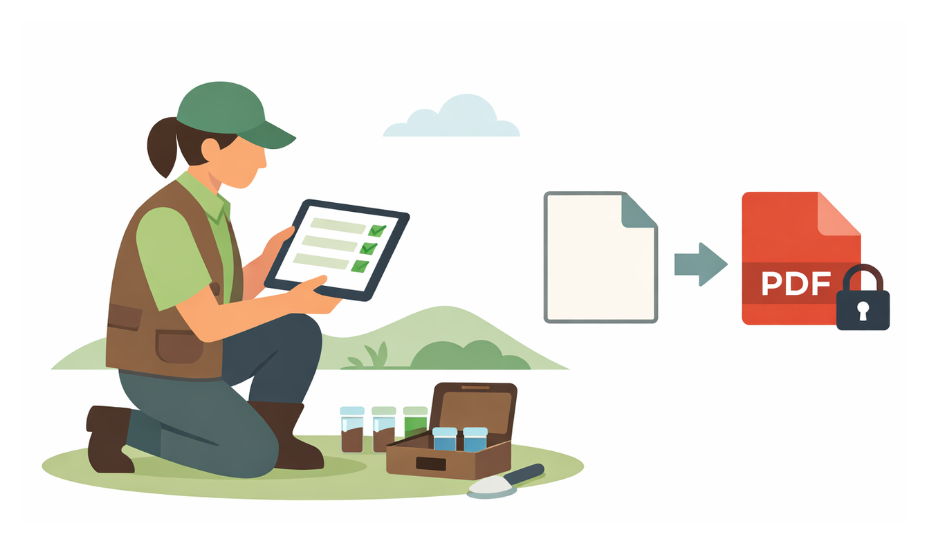
You want your staff to enter data only through structured forms. No direct document editing. Calculations should run automatically. The final output should be a branded, locked PDF that no one can accidentally modify.
So how do you move forward?
If you want to move data collection out of Word documents and into structured inputs, you need a central system to store, calculate, and manage that data. Airtable fits naturally into that role.
Here is how to build this in Airtable.
Two paths forward
You have two main options. The first uses Airtable’s native forms combined with a separate document generation tool. The second uses Fillout, which handles both the form and PDF generation in one place.
1. Airtable forms plus a document generation tool
Staff submit data through an Airtable form. A new record is created in your base. You set up an automation that triggers when a new record is added and sends the data to a document generation tool. That tool generates your PDF and emails it to the appropriate recipients.
There are several document generation tools that integrate with Airtable. The right one depends on how complex your template is, your budget, and how much control you need over the PDF layout.
This approach works well if you need extensive customization, complex compliance driven layouts, or if you already have an automation stack in place.
2. Fillout, a simpler all in one option
Fillout is a form builder that integrates directly with Airtable and handles both form submission and PDF generation in one workflow.
Staff complete the Fillout form. The data flows into your Airtable base just like it would with a native form. In addition, Fillout includes built in PDF generation. You create a template inside Fillout, and when someone submits the form, it automatically populates the template and generates the PDF.
You can attach the PDF directly to the Airtable record, email it to specific recipients, or do both. No separate automation tool is required. The form submission and PDF creation happen within a single connected process.
This approach works well for smaller teams that want speed, minimal tooling, and do not require highly advanced PDF customization.
Getting started
Start with the option that best fits your immediate needs. If you are a small team that wants to move quickly without layering multiple tools, Fillout can get you there faster.
If you need precise control over complex templates or already use other automation tools, choose a dedicated document generator.
Either way, your staff will enter data through structured forms. Your calculations will run automatically in Airtable. And your reports will be produced as branded, locked PDFs that no one can accidentally break.