How to Let Approvers Update Status Without Giving Editor Access in Airtable
Let's say you have a Purchase Requests table in Airtable.
Employees submit requests for equipment, software, or other purchases, and a manager needs to review each one.
The manager only needs to do two things:
Review the request and change the Status to Approved or Rejected.
You don't necessarily want to give them access to your entire Airtable base just so they can change one field.
For this, you can use an Airtable Interface.
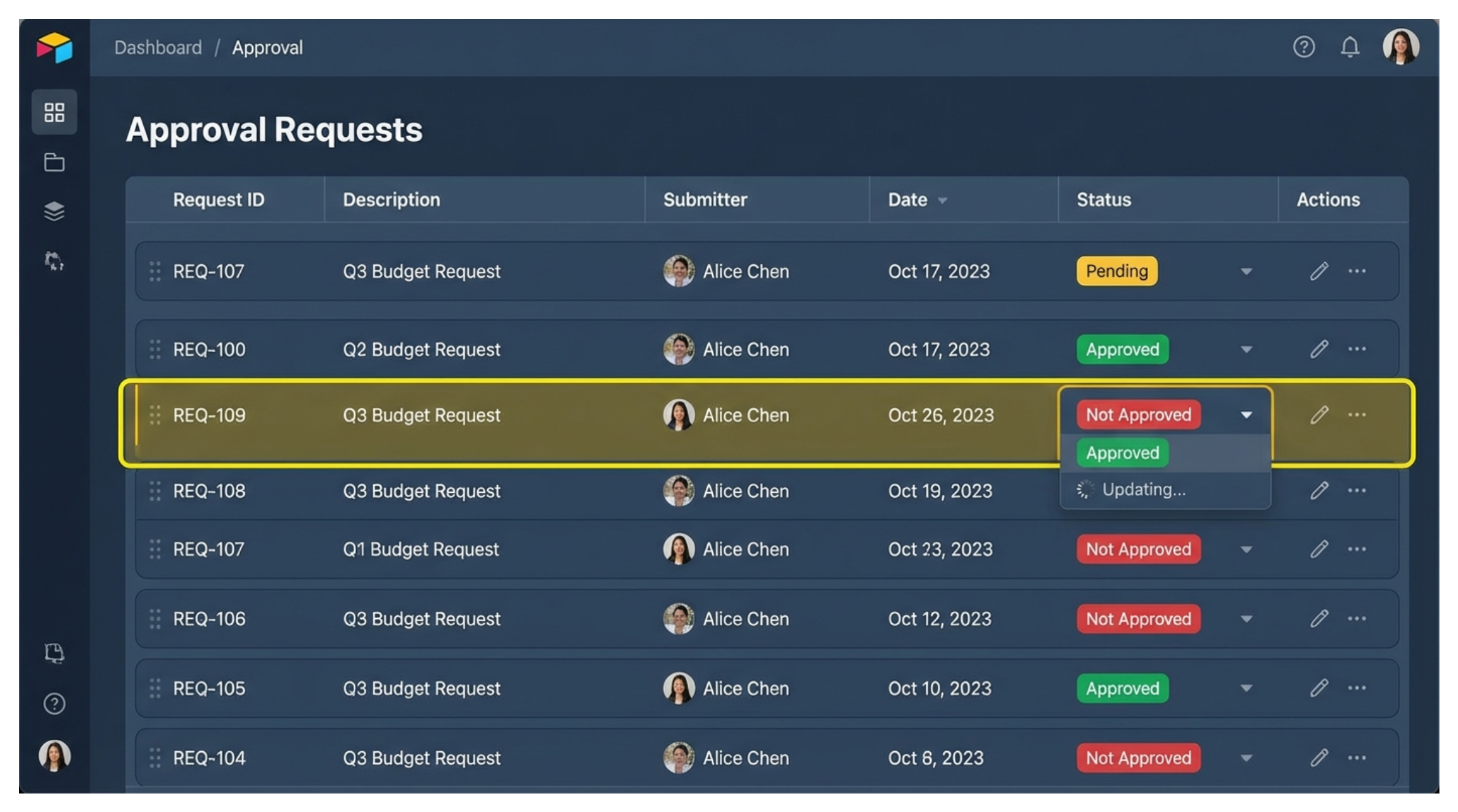
Create an approval Interface
Create an Interface connected to your Purchase Requests table.
The idea is to show the approver everything they need to make the decision without showing them the entire base.
For example, you might include:
- Request
- Requested By
- Amount
- Description
- Supporting Documents
- Status
The manager can review the information from one place without working directly inside your underlying table.
Make only the Status editable
On the record detail page, you can control which fields people are allowed to edit.
Keep fields such as Request, Amount, Description, and Requested By as view-only.
Then make Status editable.
Now the approver can review all the information but only change the field they actually need to update.
For example:
Status: Pending → Approved
or
Status: Pending → Rejected
They don't need to edit anything else on the record.
Share the Interface without sharing the base
Once the Interface is ready, you can share it with the approver as an interface-only editor.
This is the important part.
An interface-only editor can edit records through the Interface without having access to the underlying Airtable base.
So the approver can open the Interface, review the requests, and change the Status without being able to open your full base and start changing other tables or fields.
They will need an Airtable account to access the Interface, but they do not need access to the underlying base.
Restrict which requests they can see
You can take this one step further and control which records each approver sees.
For example, add an Approver user field to your Purchase Requests table.
Then filter the Interface so the current user only sees records where:
Approver is Current user
Now each manager sees only the requests assigned to them.
They open the Interface, see their pending requests, review the details, and approve or reject them.
What if the approver should not use Airtable at all?
If the approver is external and you don't want them signing into Airtable, I would use an update form instead.
Fillout can create an update form connected to an existing Airtable record.
You can show the request information and make only the Status field editable.
The approver opens the link, selects Approved or Rejected, and submits the form.
Fillout then updates the existing Airtable record without giving that person access to your base.
For internal approvers who already use Airtable, the Interface approach keeps everything inside Airtable.
For someone who should not need Airtable access at all, an update form is the simpler option.