How to Integrate Airtable With Microsoft Outlook
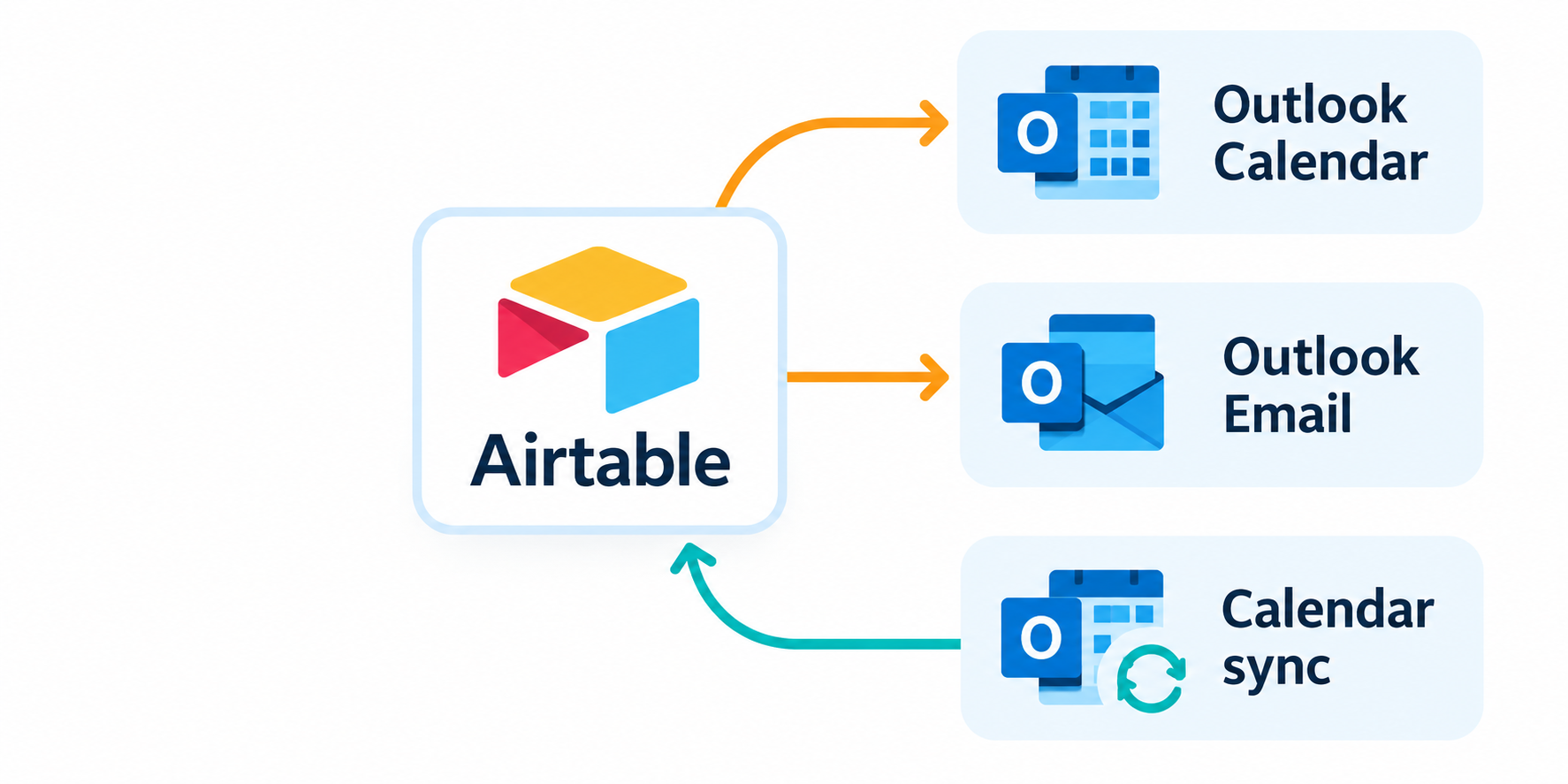
Want Airtable and Outlook to work together? The setup depends on which system holds the information first.
| If you want to... | Use... |
|---|---|
| Create or update an Outlook event from Airtable | Outlook Calendar automation |
| See Airtable events in Outlook without editing them there | External calendar subscription |
| Bring Outlook events into Airtable | Outlook Calendar sync |
| Send or receive email through Outlook | Outlook Email automation |
Create an Outlook event from an Airtable record
Use an Airtable automation when you want an Airtable record to create an Outlook event. In a Meetings table, trigger it when the meeting's Status changes to Confirmed.
Open the base, click Automations, and create the trigger. Add Outlook Calendar: Create event, connect the Outlook account, and map the meeting title, start time, end time, location, description, and attendee email.
Test the action before turning it on. Airtable then creates the event on the connected Outlook calendar and sends the invitation to the attendee.
For the complete setup, see how to automatically send Outlook calendar invites from Airtable.
If you only want to see Airtable events in Outlook, you can use a calendar subscription instead of creating Outlook events. Open the Airtable calendar view, click Share and sync, and choose Sync to an external calendar. Copy the calendar link, then add it in Outlook through Add calendar > Subscribe from web.
This is a view-only connection from Airtable to Outlook. Changes made in Outlook will not update Airtable. See Airtable's external calendar instructions for the current steps.
Bring Outlook events into Airtable
Use Outlook Calendar sync when Outlook is where the events are created and Airtable only needs them for planning or reporting.
In Airtable, add a new synced table, choose Microsoft Outlook Calendar, connect the Outlook account, and select the calendar. Choose the date range, and Airtable will bring the events into the new table.
This sync goes from Outlook to Airtable. Changing a synced event in Airtable does not change the original event in Outlook. The sync is available on paid plans, and the date range cannot be longer than five years.
Update the Outlook event when the meeting changes
Creating the event is enough when the meeting will stay the same. If the time, location, or attendee can change, save the Outlook event ID in Airtable.
Add a text field called Outlook Event ID to the Meetings table. After Outlook Calendar: Create event, add Update record and save the event ID it returns. A second automation can then use that value with Outlook Calendar: Update event to change the existing event.
This prevents Airtable from creating a second Outlook event every time the meeting changes. The detailed Outlook calendar invite setup shows how to create and update the event.
Send Airtable emails through Outlook
Use Outlook: Send email when the message should come from the connected Outlook mailbox. Add it to an automation, then map the recipient, subject, message, and any attachments from the Airtable record.
Unlike Airtable's standard Send email action, this sends through Outlook. Recipients see the connected Outlook mailbox as the sender.
You can also use When email is received to start an automation when a new message arrives in Outlook. For example, it can find the matching meeting or client record and update its status after a reply arrives. See how to send automated follow-up emails in Airtable.
If you need normal To, CC, and BCC headers, see why Airtable emails show the wrong To and CC addresses.
Before connecting Outlook
Airtable uses the Outlook account connected to each automation. That account owns the calendar events and sends the emails, so connect the account your team wants to use.
Airtable works with cloud-based Microsoft Exchange. On-premises Exchange servers are not supported. Outlook Calendar sync and Outlook automation actions also have different plan limitations, so check Airtable's current Outlook automation documentation before setting up the connection.