How to Combine Airtable Fields When One Is Blank
Need to combine Airtable fields without leaving an extra comma, space, or ampersand when one of them is blank? Put the separator and optional value inside an IF formula.
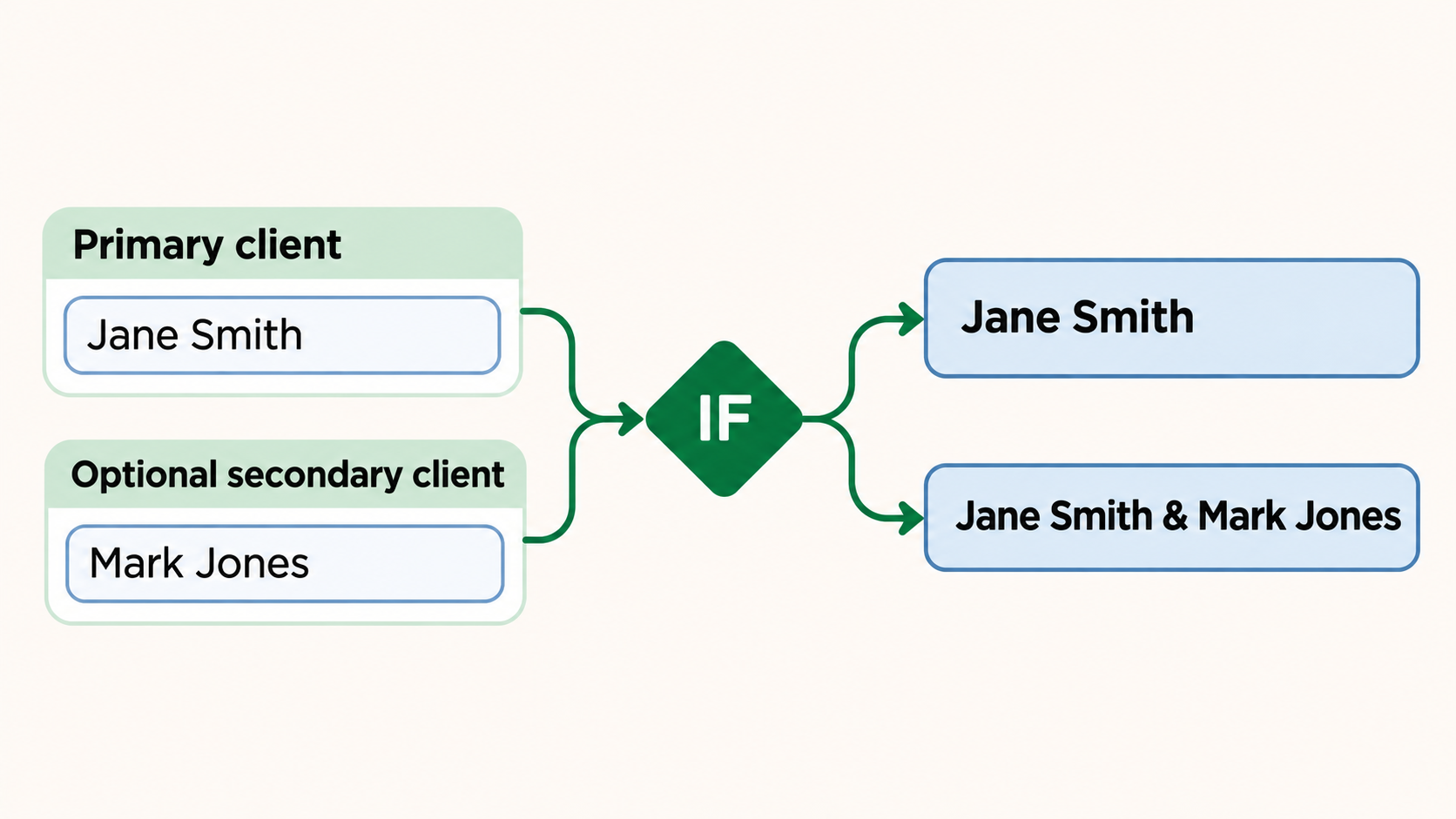
Let's take a contact record with a primary client and an optional secondary client. The final field should show the primary client's name every time, then add & and the second client's name only when a second client has been entered.
Create the name fields
In the table, add these fields:
- Primary last name
- Primary first name
- Secondary last name
- Secondary first name
The secondary fields can be empty. The formula will check Secondary first name before adding that part of the name.
Add the formula
Add a Formula field called Client names. Use this formula:
{Primary last name} & ", " & {Primary first name} &
IF(
  {Secondary first name} != "",
  " & " & {Secondary last name} & ", " & {Secondary first name},
  ""
)
When only the primary client is entered, the result is:
Smith, Jane
When the secondary client is also entered, Airtable adds the optional part:
Smith, Jane & Jones, Mark
The IF condition checks whether Secondary first name is empty. If it is not empty, Airtable adds the separator and the second name. If it is empty, the formula returns an empty string, so nothing extra appears.
The & operator joins text in Airtable and does the same job as CONCATENATE(). It keeps this formula easier to read because the whole optional part can sit inside one IF condition.
Use the same pattern for other optional fields
Put the label, separator, and field value inside the IF whenever the whole part should disappear when the field is empty.
For example, to add an optional apartment number to an address:
{Street} &
IF(
  {Apartment} != "",
  ", Apartment " & {Apartment},
  ""
)
This returns only the street when Apartment is empty. It adds , Apartment 4B when the field has a value.
If your optional block is proved by a different field, use that field in the condition. For example, check Secondary last name instead when that is the field your team always fills in for a second client.
For a formula that pulls values from another table rather than combining fields in the same record, see how to reference data across Airtable tables.