How to Find and Replace Text in Airtable
Need to change the same text in several Airtable records? Use a temporary formula field to replace the text, check the results, and then copy the corrected values back into the original field.
I’ll use a Company name field as the example. The records contain the old company name, Northstar Studio, and it needs to become Northstar Design.
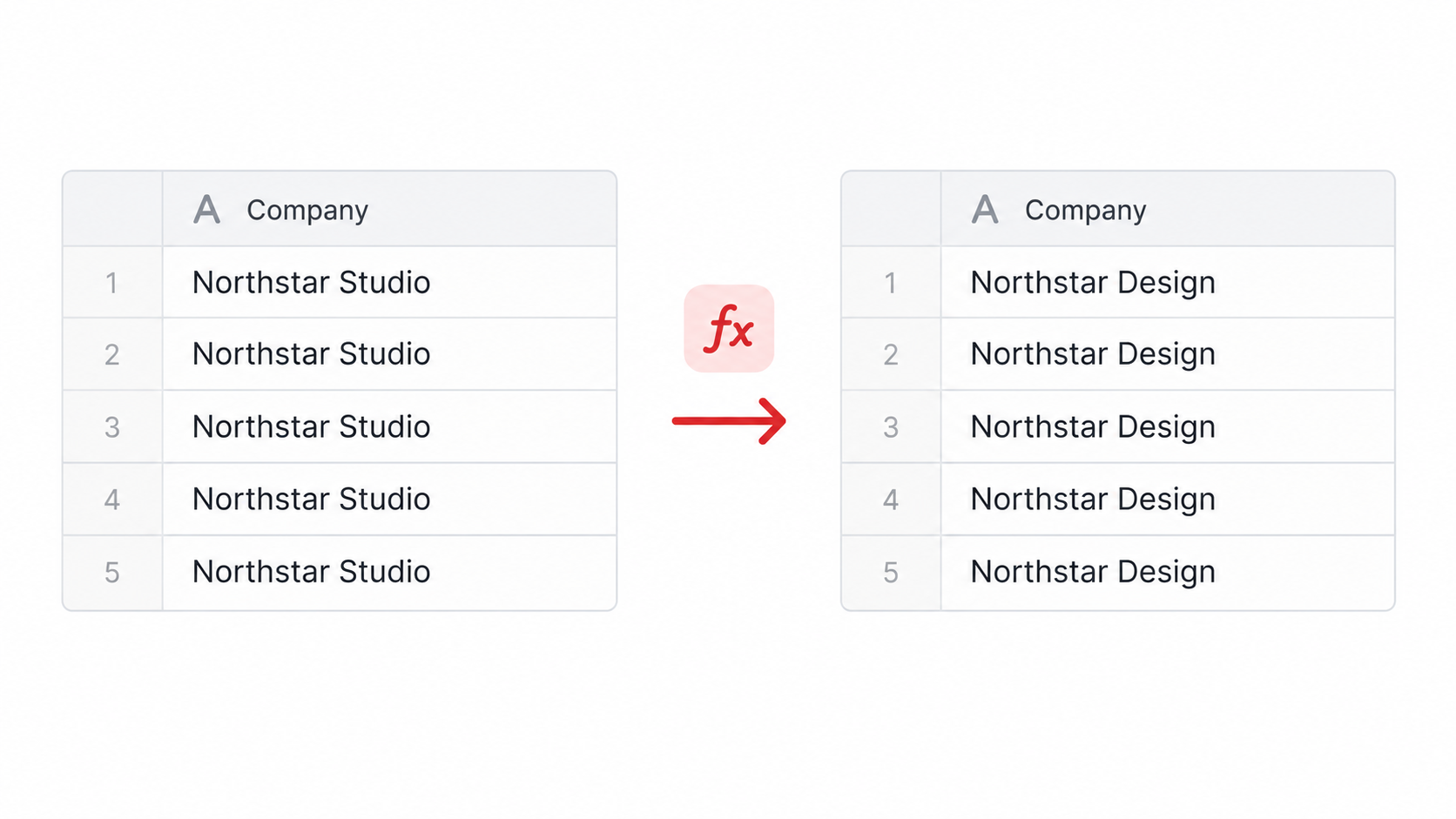
Create a replacement field
Add a Formula field next to the field you want to change. Name it Updated company name, then use this formula:
SUBSTITUTE({Company name}, "Northstar Studio", "Northstar Design")
SUBSTITUTE() replaces the matching text wherever it appears in the field. If a record does not contain Northstar Studio, Airtable leaves that value unchanged.
Open the formula results and check a few records before changing the original field. This lets you catch spelling differences or records that should not be changed.
Replace the original values
When the results look right, copy the values from Updated company name and paste them into Company name. Airtable pastes the text values into the original field, so the formula field is no longer needed after the update.
Keep the formula field until you have checked the original values. Delete it only after you are happy with the replacement.
Replace only one occurrence
If the same text appears more than once and you only want to change one occurrence, add the occurrence number to the formula:
SUBSTITUTE({Description}, "old name", "new name", 1)
The 1 changes only the first match. Leave it out when every match should be replaced.
Use REPLACE() when you need to replace characters at a known position in a string. For normal text changes, SUBSTITUTE() is easier because you can name the text you want to find.
Undo a recent change
If you make a recent change by mistake, press Cmd + Z on a Mac or Ctrl + Z on Windows. Airtable also supports redo with Cmd + Y or Cmd + Shift + Z on a Mac.
For a deleted record, field, or table, use How to Restore Deleted Records in Airtable. For larger changes, see How to Export and Back Up an Airtable Base.
For the current FIND(), SEARCH(), REPLACE(), and SUBSTITUTE() syntax, see Airtable's finding and replacing text documentation.