Do Read-Only Users Need a Paid Airtable License?
No. Read-only collaborators do not count as paid seats in Airtable.
The rule is different for people who can comment or edit. The plan you use also matters, especially if you are deciding between Team and Business.
How Airtable bills collaborators
Airtable bills at the workspace level. A person becomes billable when their permission allows them to work beyond read-only access, but the exact rule depends on the plan.
| Plan | Read-only | Commenter | Editor, Creator, or Owner |
|---|---|---|---|
| Free | Free | Free, up to 50 commenters | Free, up to 5 Editors or Creators |
| Team | Not billable | Billable | Billable |
| Self-serve Business | Not billable | Not billable | Billable |
| Sales-led Business or Enterprise Scale | Not billable | Check your agreement | Check your agreement |
The Free plan includes unlimited read-only collaborators. It allows up to five collaborators with Editor or Creator permissions and up to 50 with Commenter permissions.
On Team, Commenter access counts as a paid seat. If someone only needs to view records, choose Read-only instead of Commenter.
On self-serve Business, Commenters are not billable. Owners, Creators, and Editors are still billable. Sales-led Business and Enterprise Scale plans can have different billing terms, so check the terms for your workspace.
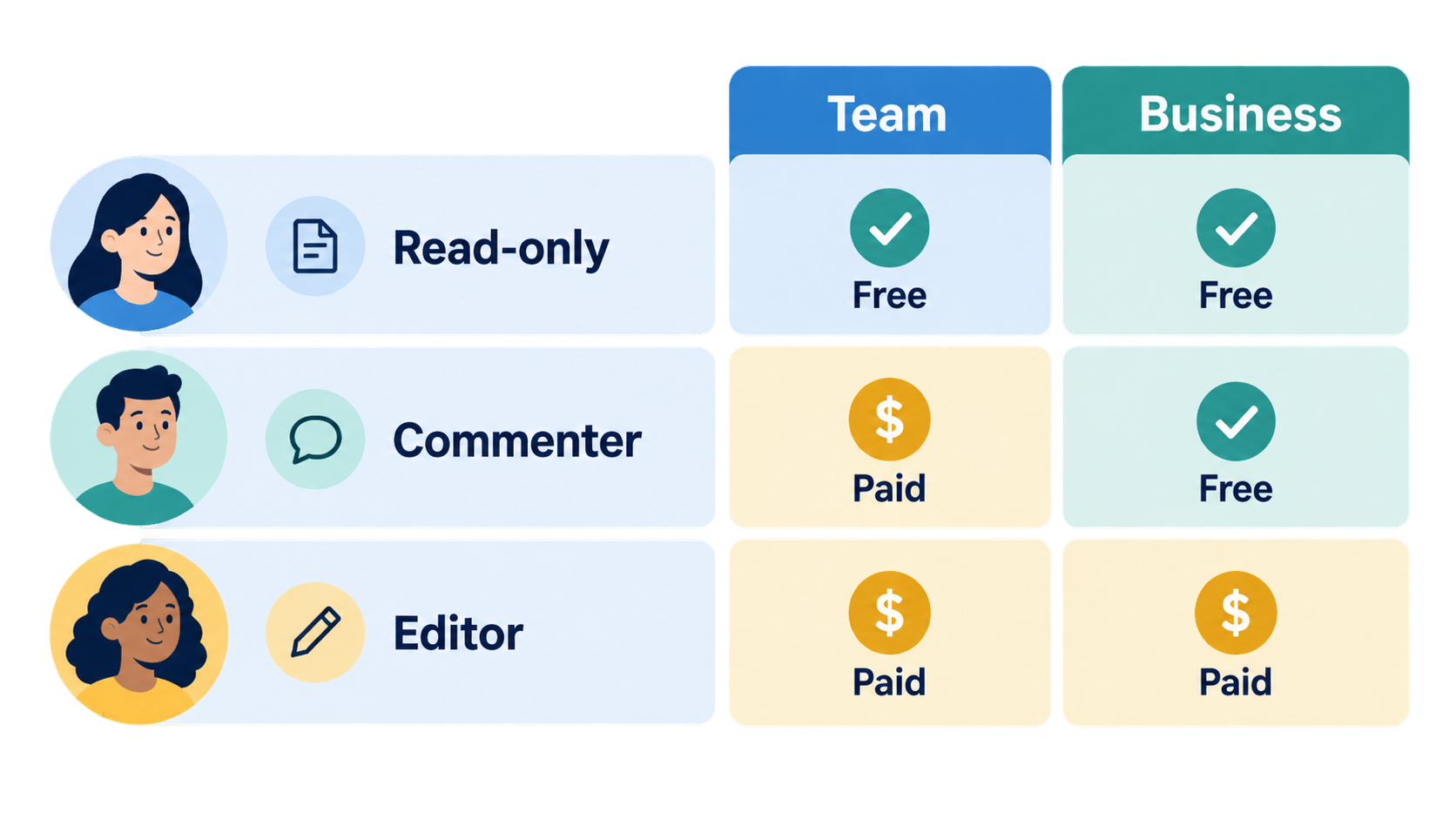
Read-only access lets someone view the data in the workspace, base, or interface they were invited to, but they cannot edit records, add or delete records, change fields, or leave comments. It does not hide particular records or fields.
What happens if someone needs to make changes?
Use the permission that matches the work they need to do:
- Give them Commenter access if they only need to leave comments. On Team, this is a billable permission.
- Give them Editor access if they need to add or change records. This is a billable permission on Team and self-serve Business.
If someone needs to submit or update information without opening the base, use a form or a separate interface workflow. For an example using forms, see How to Update Existing Airtable Records with Forms.
What happens when you lower someone's permission?
If you downgrade a billable collaborator to Read-only or remove them, Airtable does not reduce the current invoice immediately. The paid seat remains available until the end of the current billing cycle, and the lower billable total applies to the next billing cycle.
For more details about who counts as a billable collaborator and how to review those people, see How to See and Manage User Permissions in Airtable.