How to Validate Data in Airtable
Need to stop people from entering the wrong kind of information in Airtable? Start with the field type, then add a form rule or a formula when the field needs more checking.
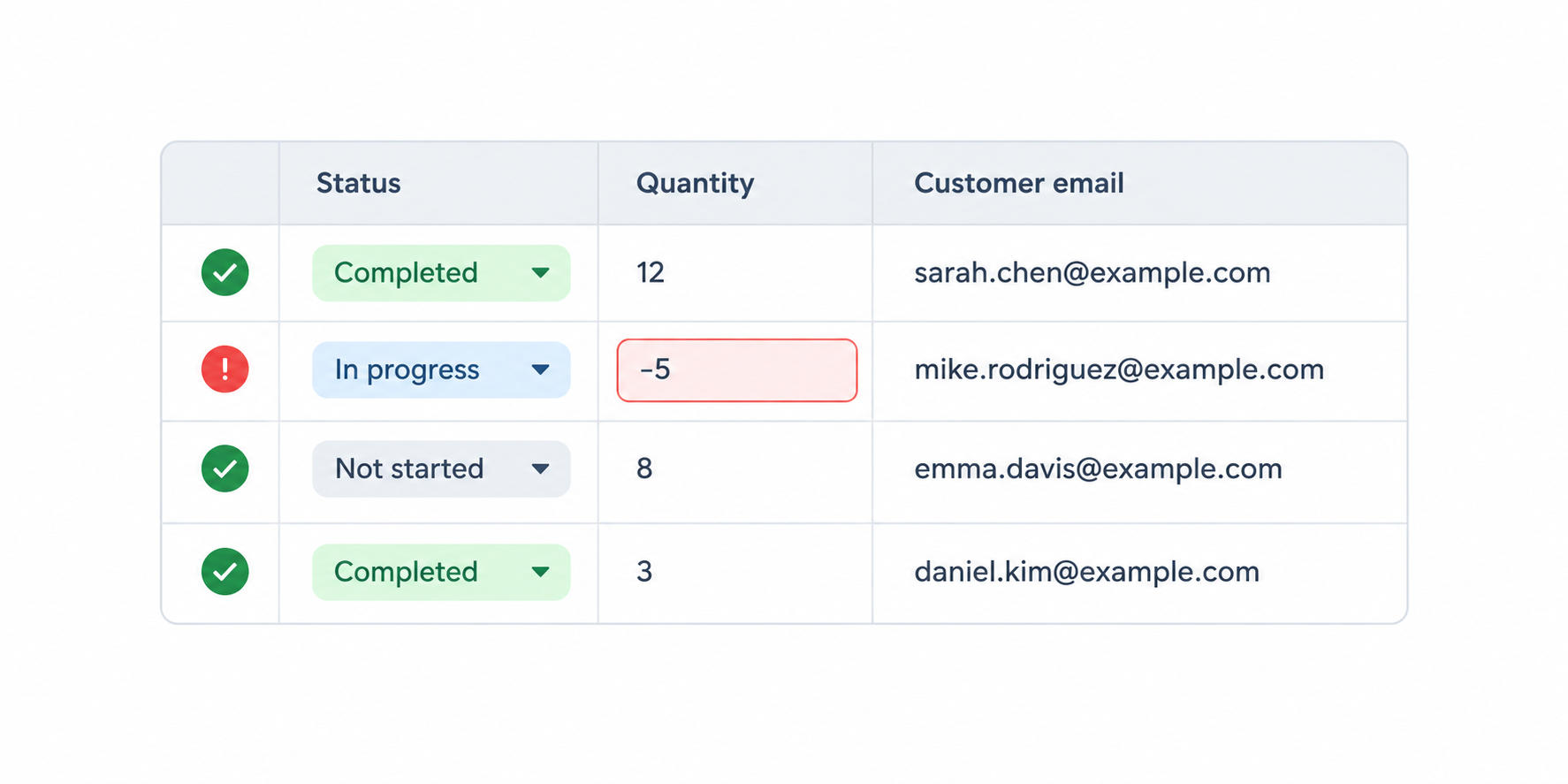
I’ll use an Orders table as the example. Each order has a Status, Quantity, Customer email, and Delivery date field.
Start with the right field type
The field type determines what people can enter. For Status, use a Single select field with options such as New, Paid, and Shipped. People can choose one of those options instead of typing several versions of the same status.
Use a Number field for Quantity, an Email field for Customer email, and a Date field for Delivery date. Airtable can then store each value in the format that matches the information.
If an order needs several labels, use a Multiple select field. For example, one order could have both Gift wrap and Express shipping.
Require answers in a form
If people submit orders through an Airtable form, make the important fields required. Open the form builder, select Customer email or Quantity, and turn on Required.
The form will not submit until those fields have an answer. This is useful when an answer cannot be empty, but it does not check whether the answer is correct. Someone could still enter the wrong quantity or an invalid value in a text field.
Flag values that need a review
Use a formula when the value looks valid on its own but needs to be checked against another rule. In the Orders table, add a formula field called Order check with:
IF({Quantity}<=0, "Check quantity", "OK")
The formula shows Check quantity when the order has zero or a negative quantity. It helps your team find the problem, but it does not stop someone from saving the record.
You can filter a view to show only orders where Order check is Check quantity. That gives the team a short list to fix.
When the form must reject the answer
If the person should not be able to submit an answer until it passes a rule, use a form tool such as Fillout. This is useful for checks such as a number range, a custom text pattern, or a calculation that must pass before the form is submitted.
For questions that should appear only after an earlier answer, see how to use conditional logic in Airtable forms.