How to Use Markdown in Airtable
Want to add headings, lists, or checkboxes to text in Airtable? Use a Long text field for notes on a record, or use Markdown in an automation email when the formatted text needs to be sent to someone. The API is only relevant when another system needs to read or write that text.
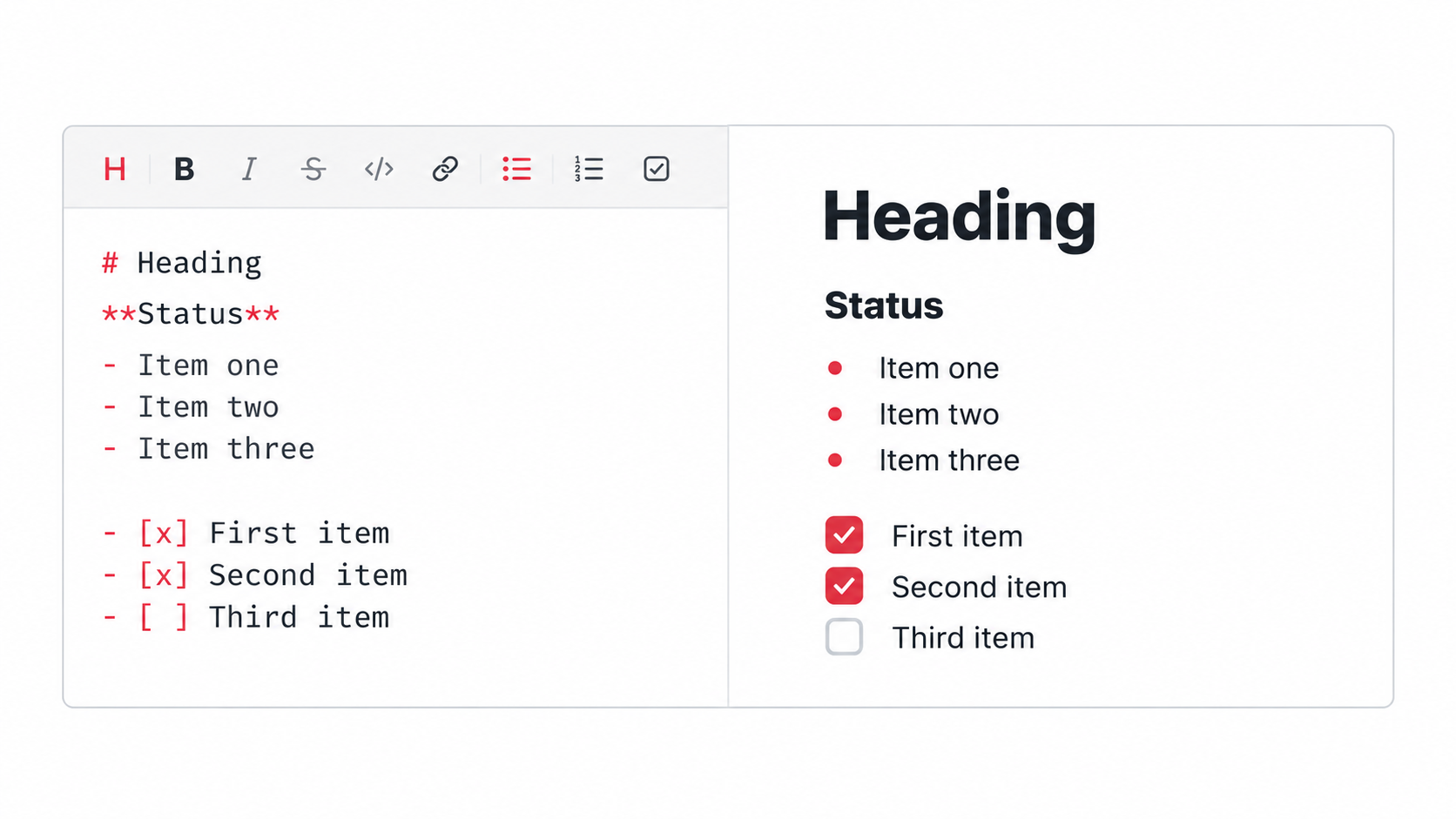
Format notes stored on a record
Use a Long text field when the formatted text belongs to one Airtable record. This works well for instructions, notes, and short checklists that people need to read while viewing that record.
Open the field menu, select Edit field, choose Long text, and turn on Enable rich text formatting. Save the field, open a record, and enter the text using the formatting toolbar or Markdown syntax.
For example:
# Next steps

**Owner:** Sarah

- Review the draft
- Confirm the deadline
[ ] Send the final version
Airtable displays the supported formatting when someone opens the record. If you paste Markdown from somewhere else, Airtable does not convert it automatically, so type the Markdown symbols directly or format the text with the toolbar.
Format an email sent by an automation
Open Automations, create or open the automation, and add a Send an email action. Write the message in the body using Markdown, then click Generate a preview to check the formatting before turning on the automation.
For dynamic links in an automation email, see how to create dynamic hyperlinks in Airtable email automations.
Use Markdown with the API or base documentation
If another app needs to send formatted text into an Airtable Long text field, or read that text back, the Airtable API uses Markdown for the rich-text value. That lets the other app pass headings, lists, and checkboxes in a format Airtable can display.
Use Markdown in the base's documentation area when you need to explain the tables, fields, and workflows to the people using the base.
For the complete syntax and the differences between Airtable's formatting options, see Airtable's Markdown documentation.
Use a document editor for long documents
Markdown is useful for short text that belongs on an Airtable record. Use a document editor when several people need to edit a long document, add comments, or manage versions.
For that setup, keep the document in Google Drive and link it from Airtable. See should you store documents in Airtable or Google Drive.