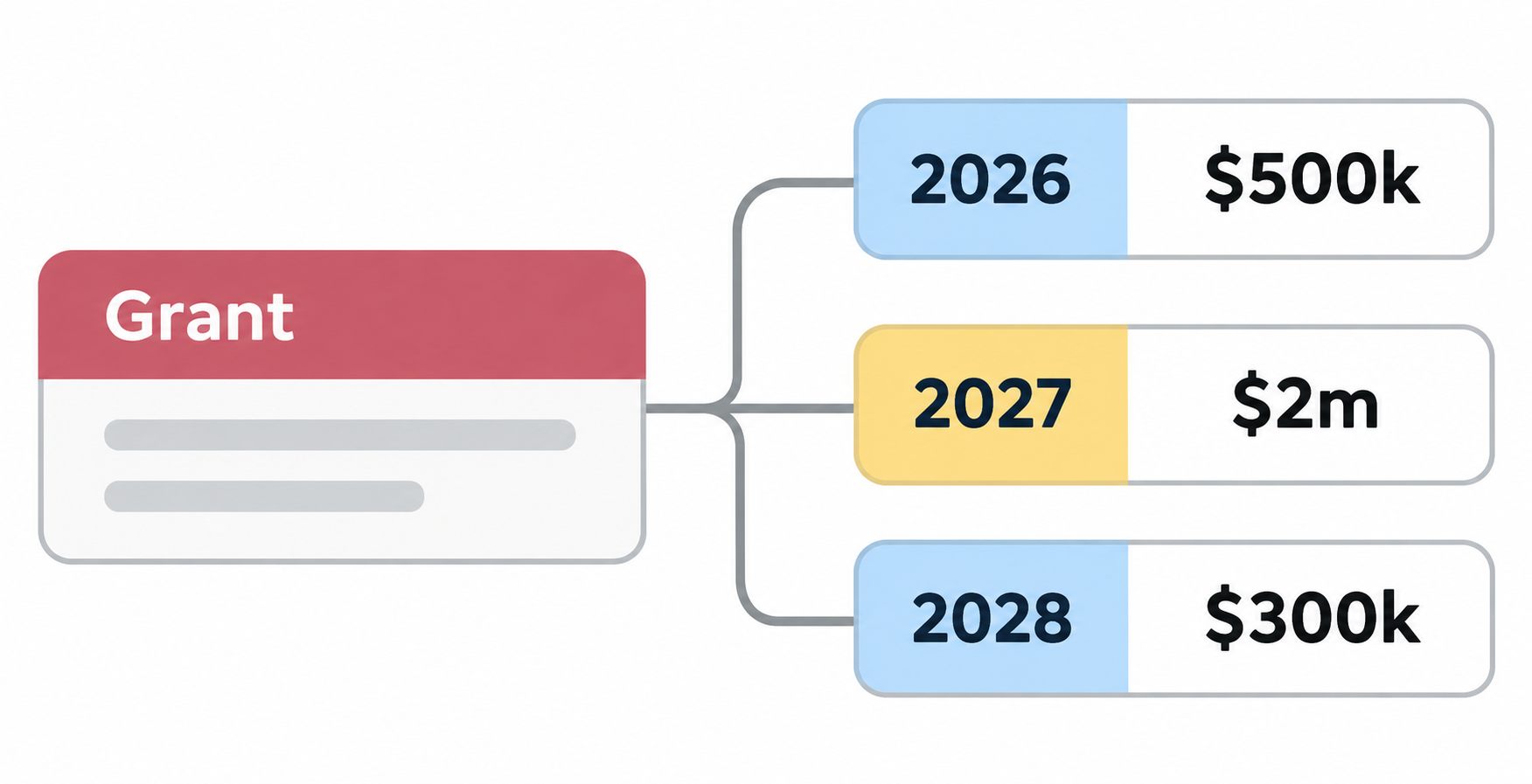
Need to track a grant that has a different amount each year? Keep the grant itself in one table, then store each year's amount in its own record.
For example, a nonprofit receives a Youth Literacy Grant worth $500,000 in 2026, $2,000,000 in 2027, and $300,000 in 2028.
Keep the grant in its own table
Start with a Grants table. Create one record for the Youth Literacy Grant and add the funder, application status, and any other information that belongs to the grant itself.
Do not add fields such as 2026 Amount, 2027 Amount, and 2028 Amount to this table. Those fields make the table wider every year and make it harder to report on all grants for one year.
Create a table for the years
If you do not already have one, create a Years table with a single primary field called Year. Add one record for each year you want to plan or report on, such as 2026, 2027, and 2028.
These records let you group grants by year without changing the table structure when a new year starts.
Add one record for each grant and year
Now create a Grant Years table. Each record in this table represents one grant during one year.
Add a Grant field and set it to Link to another record, then connect it to the Grants table. Add a Year field the same way and connect it to the Years table.
Add a currency field called Amount. This is where you enter the amount for that grant during that year.
Now add three records for the example:
| Grant | Year | Amount |
|---|---|---|
| Youth Literacy Grant | 2026 | $500,000 |
| Youth Literacy Grant | 2027 | $2,000,000 |
| Youth Literacy Grant | 2028 | $300,000 |
The amount can now change from year to year without adding another field. If the grant is renewed for 2029, add one more Grant Years record and link it to 2029.
Total each grant's scheduled amount
The link from Grant Years to Grants creates a matching linked field in the Grants table.
In Grants, add a Rollup field called Total scheduled amount. Choose the linked Grant Years records, select Amount, and use:
SUM(values)
The Youth Literacy Grant record now shows $2,800,000 across all three years.
Total the grants for each year
The Year link in Grant Years also creates a matching linked field in the Years table.
In Years, add another Rollup field called Total scheduled grants. Choose the linked Grant Years records, select Amount, and use SUM(values) again.
The 2027 record will show the total amount scheduled across all grants linked to that year. This gives you a yearly view without copying amounts into a separate report table.
Report on the yearly amounts
Open the Grant Years table and create a grid view grouped by Year. You can see each grant and its amount under the year it belongs to, with a total for each group.
If you want to compare totals across several years in an Interface chart, see how to compare records across financial years in an Airtable Interface chart.
This structure also works for budgets, contracts, and other funding plans where the amount changes from one year to the next.